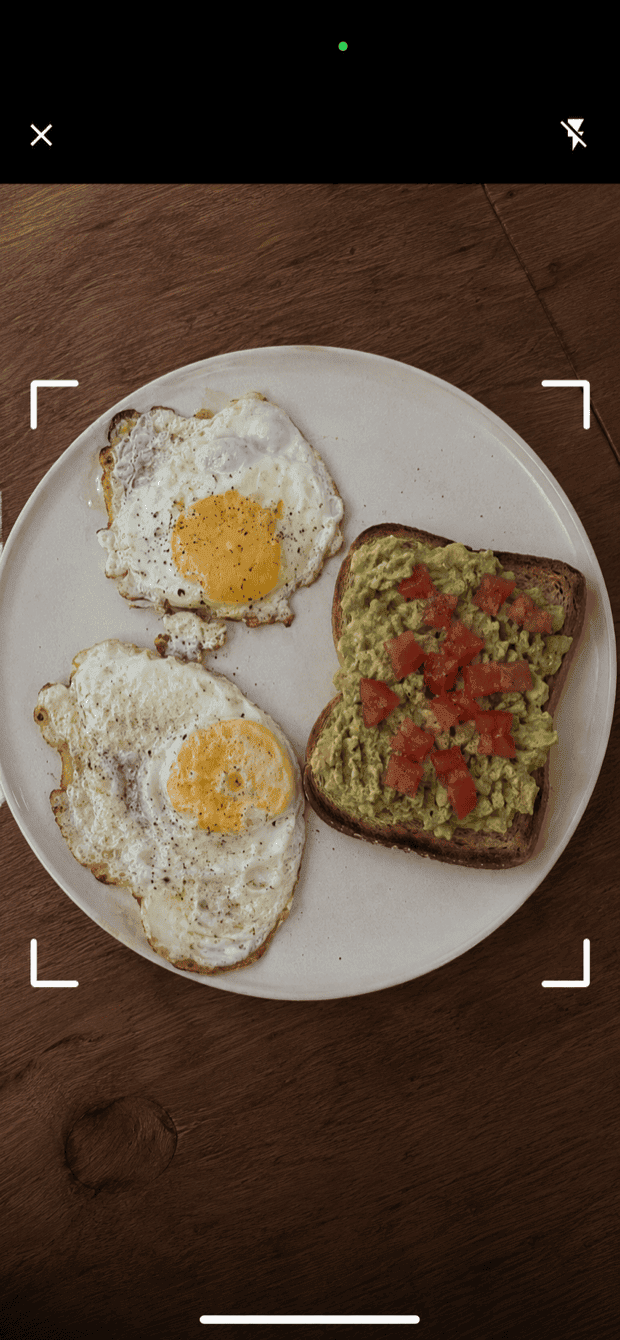
Meal scan
Snap a photo of your meal and get an instant protein estimate. Check every line before it is added, and rename, re-portion or correct anything that is off.
How it works Track protein by photoExplore Protio’s protein tracker: photo, voice and text logging, barcode and nutrition label scanners, meal ideas, saved meals, goals and progress.
35 / 35 features
No matching features
Snap a photo of your meal and get an instant protein estimate. Check every line before it is added, and rename, re-portion or correct anything that is off.
How it works Track protein by photoSay what you ate, then review and log it. Name a template and Protio recognises it on your phone.
How it works Track protein by voiceWrite what you ate, check the protein in each portion and calories if enabled, then log it. A short sentence is enough, and you confirm every entry.
How it worksNo signal? Save a meal photo, a nutrition label, a spoken meal or a typed description. Protio analyses it next time you open the app online, then asks you to check the result. Everything waiting stays encrypted on your phone.
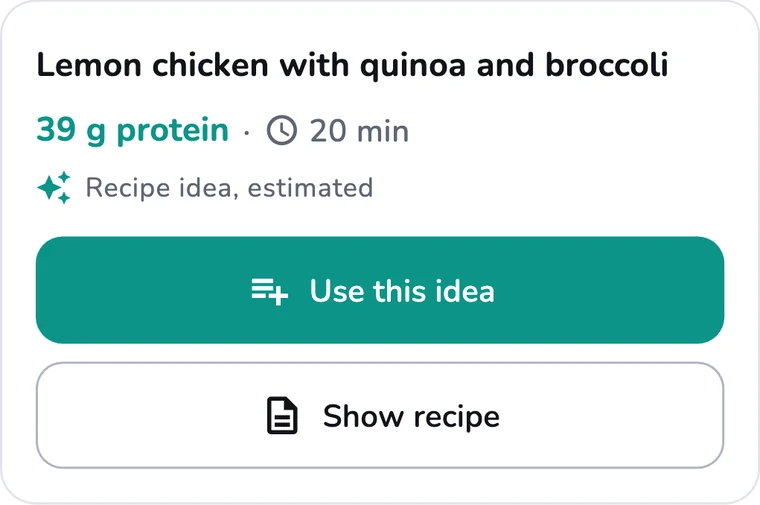
Get a meal idea based on your preferences and the protein you still need today, or describe what you feel like in the recipe chat and ask for changes. Check every ingredient, then log it and keep it as a template.
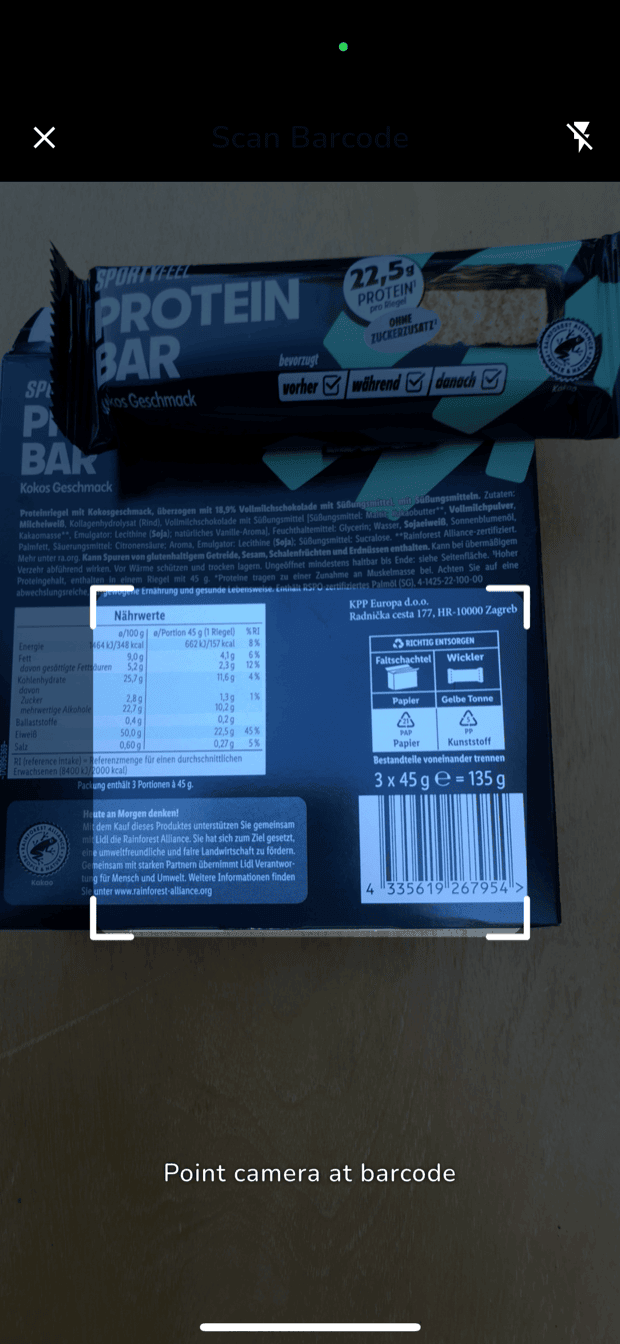
Scan packaged foods to look up their protein content in Open Food Facts and USDA. Protio always tells you which source a result came from.
How it works Track protein by barcodeLook up products in Open Food Facts and USDA when they're not in your library.
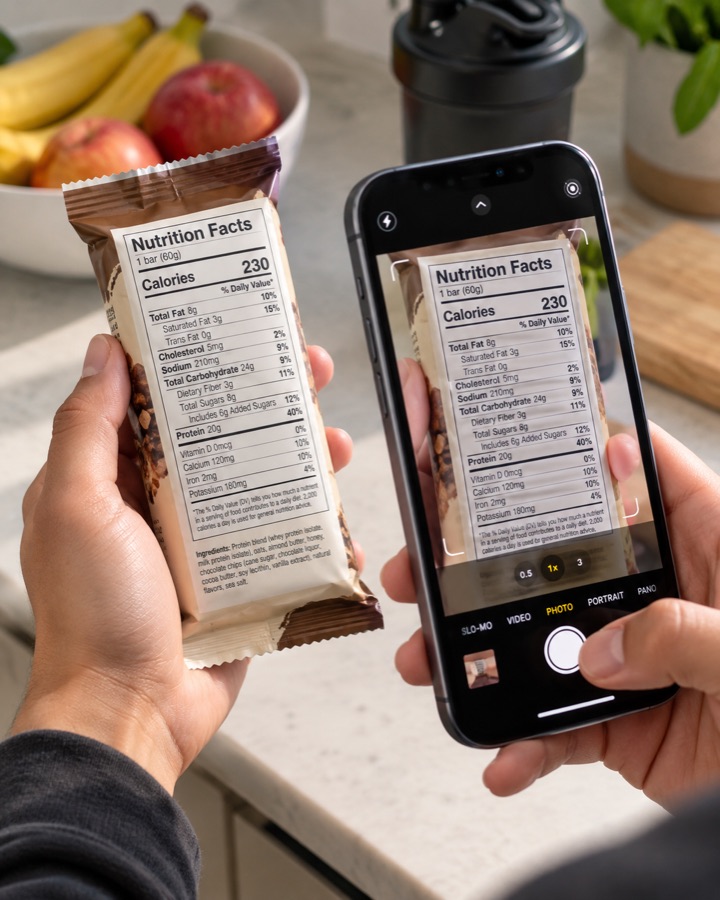
How it worksWhen a barcode has no result, photograph the nutrition table instead. Protio shows the printed basis, converts per-serving or per-package values only with a gram weight, and lets you check everything before saving or logging.
How it worksSave your usual meals as templates, pin your favorites to the home screen, and log them after a quick confirmation.
How it worksSee trends over 30, 90, and 365 days.
A few clear choices from your own foods and templates, each saying why it fits. Open one to check the portions, then confirm. Nothing is logged until you do.
Review suggested updates to your fixed protein target as your weight changes.
Set aside protein for a meal later today, or plan the actual meal and log it when you eat it.
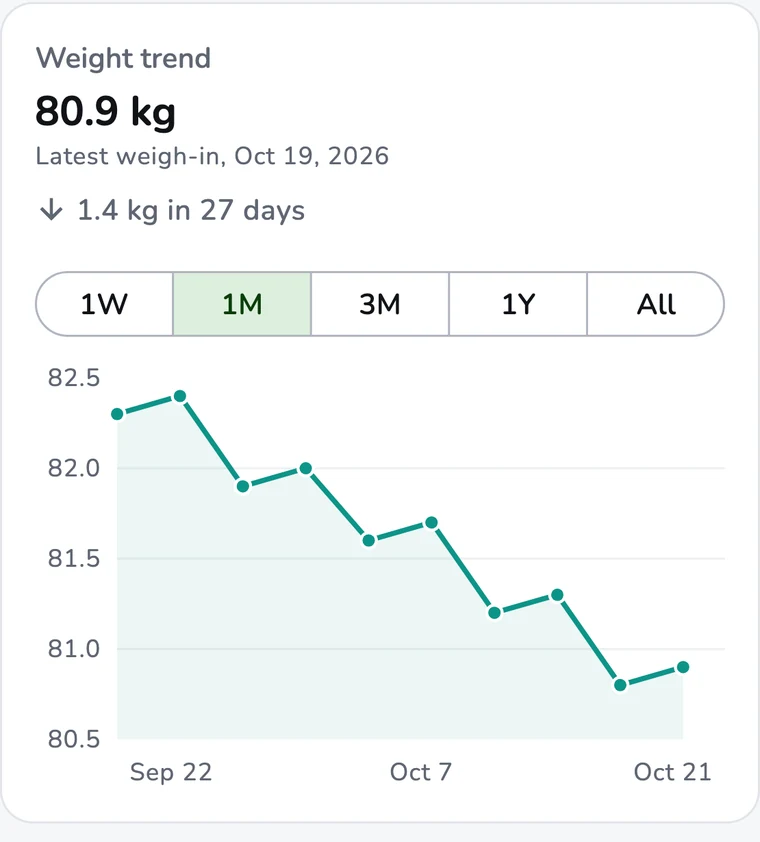
Log a weight in one short sheet and see your change over a week, a month, three months, a year or all time. Touch the chart to check any weigh-in.
Share a clear summary of your day, week or month with a coach.
Back up your data and move it to another phone, with optional password protection.
Show calories as a small secondary readout next to protein. Calories cover only the protein foods you log in Protio, so this is not your full daily intake. Off by default; turn it on in Personalize Protio.
An evening check in, streak alerts and a weekly weigh in reminder.
A daily nudge to log your protein, and a check in if you have not logged for 3 days. Both are on after setup and live in Settings, then Notifications.
Import your weight and protein from other apps, and save what you track to your health app.
Grouped by category, so meat, fish, eggs, dairy, sides, plant and supplements are easy to find.
How it worksSee your progress at a glance and tap a favorite to log it. Siri can tell you what is left and log an exact amount (iOS 16 or later), iPhone adds a Control Center button (iOS 18 or later), and holding the Android icon offers logging, scanning, voice and photo.
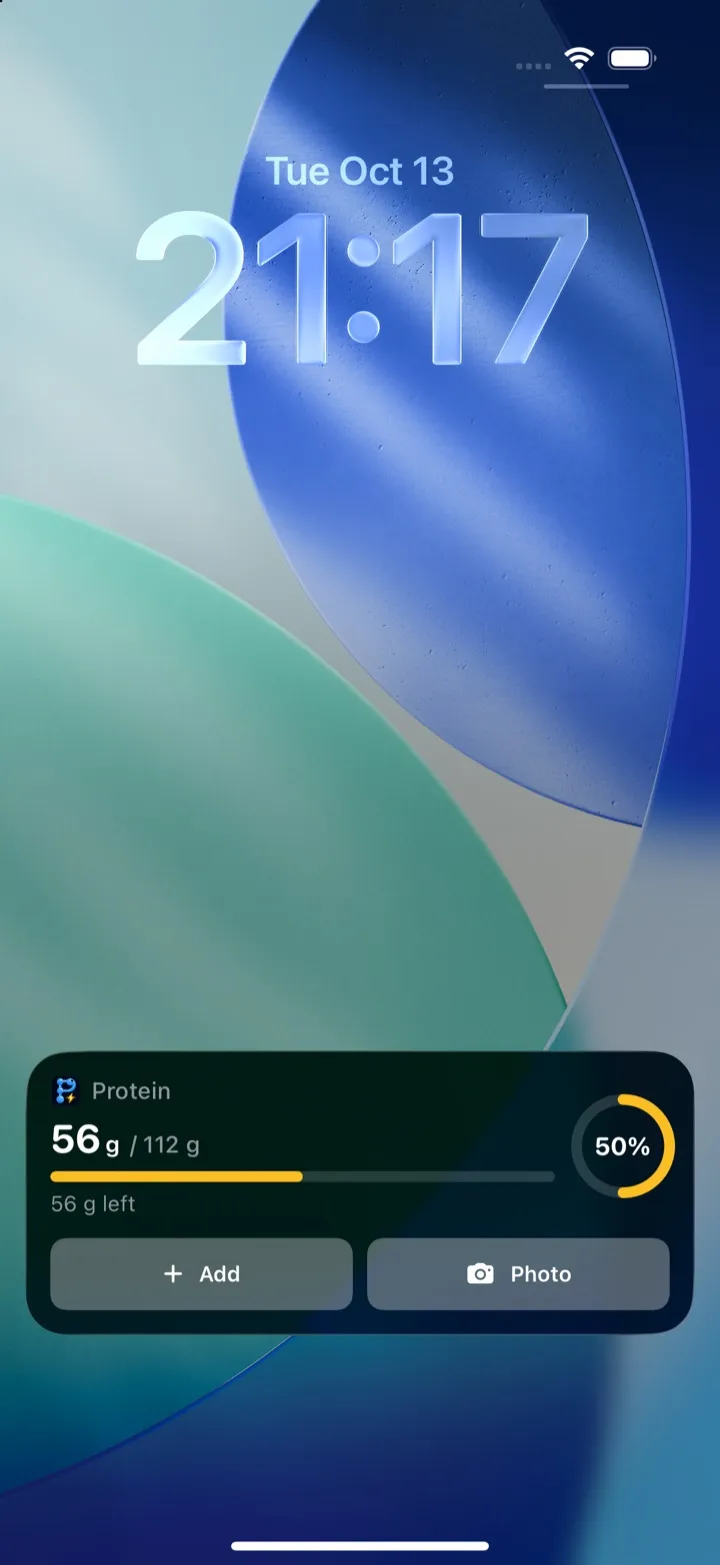
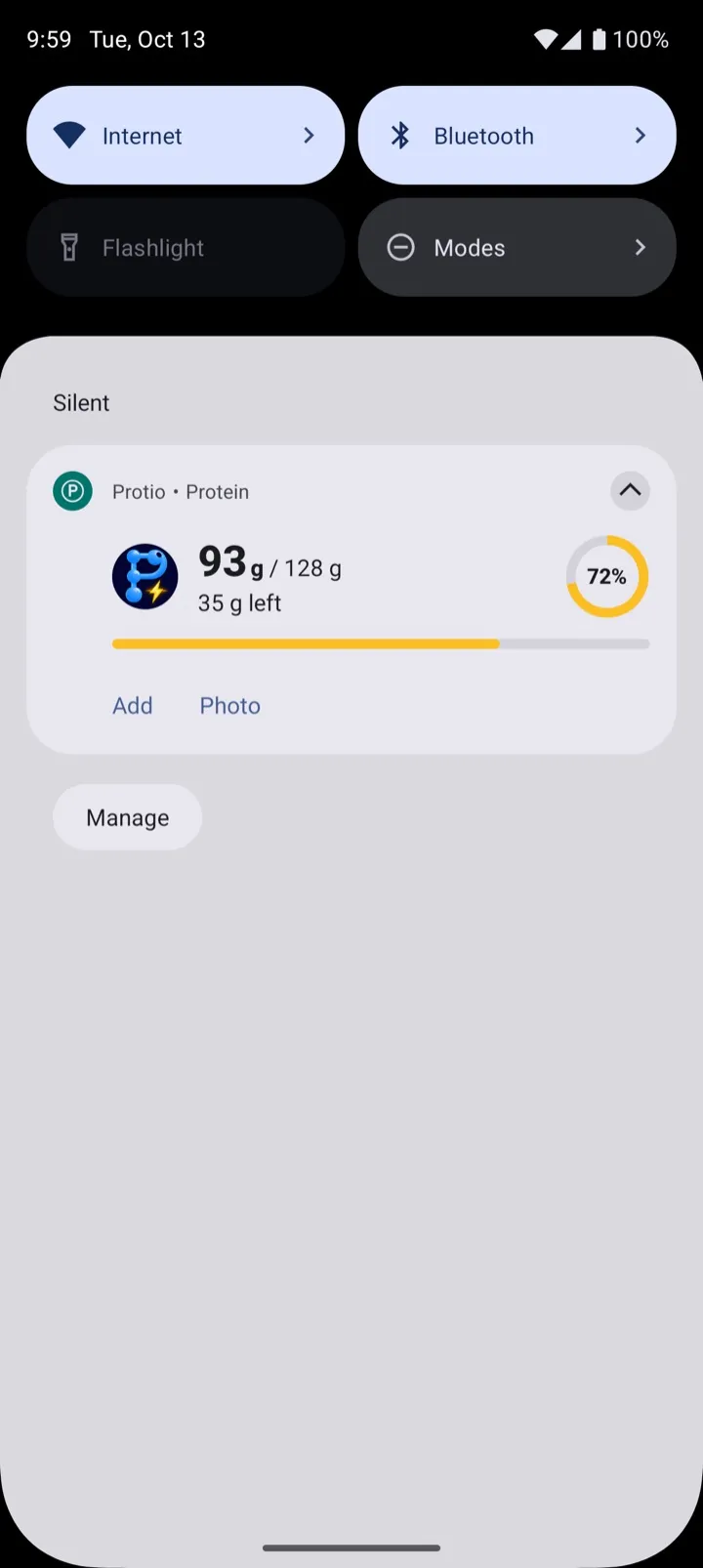
Keep today's protein on your Lock Screen, and in the Dynamic Island on iPhones that have one. On Android it is a notification you can swipe away. Turn it on, choose what it shows, pause or switch it off any time. Optional shortcuts open photo, voice or text logging.
Choose grams per kilogram of body weight or set a fixed daily target. With g/kg, Protio offers the new target when your weight changes and switches only once you confirm.
Pick the unit you think in. Setup starts with whichever suits your region, and you can switch any time. Your weight log, stats and report all follow your choice.
Add your own foods with the protein per 100 g, and they go straight into your library. Give one a portion you think in, like one scoop or one slice, and log it that way instead of counting grams.
How it worksStar the foods you eat most. On the home screen, the plus beside one adds the portion you had last time in one tap, and tapping the name lets you change it first.
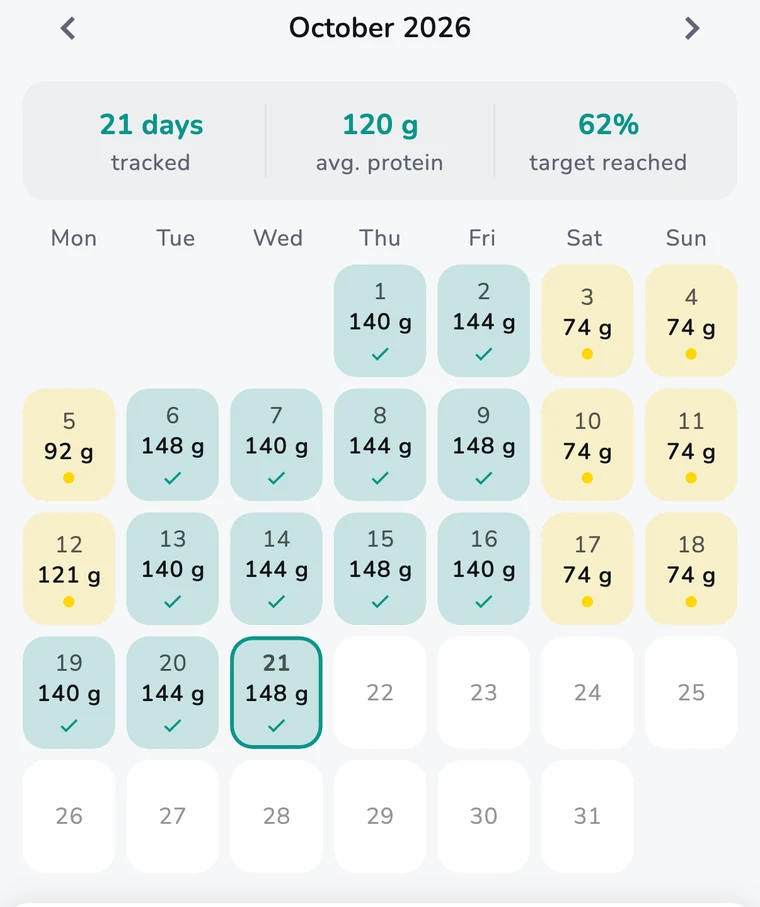
How it worksBrowse every day you tracked. Tap any date to see exactly what you logged.
Type a food name to find it across every day you have tracked, however far back it goes.
Change the portion of any logged food, move it to an earlier day, or delete it, right from History.
Turn on a Recents tab next to Favorites and Entries, so you can repeat what you logged lately without opening Add food. Foods you log often come up a little sooner, and Protio can offer the portion you usually take. It all happens on your phone, and you can switch any of it off. The plus button adds the same portion again in one tap. Tap the name to change it first.
How it worksChoose which buttons sit next to Add food on the Home bar, which tabs Home shows, and which extras to switch on. Each step shows a preview first. Hiding something never turns it off, and you can bring it back anytime in Personalize Protio. Add food is always there.
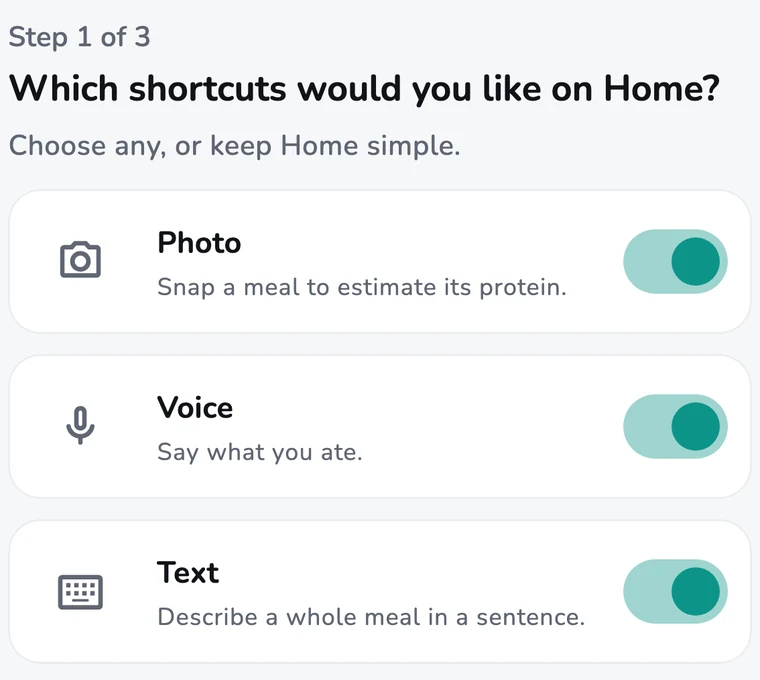
Add food opens every way to log in one list: photo, voice, text, barcode, nutrition label, quick protein, your own products and the foods you logged recently. Food search is one tap away, and buttons already on your Home bar are not listed twice.
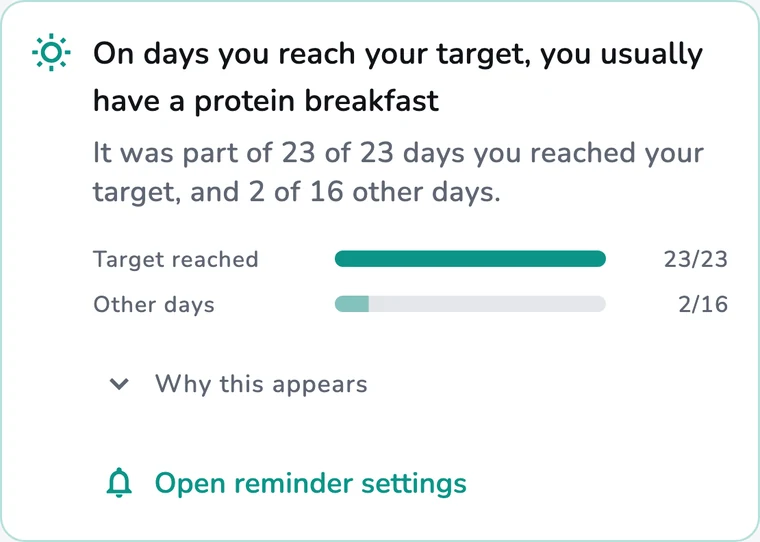
How it worksProtio notices habits in what you record, such as catching up on protein in the evening, a routine that pauses on weekends or a breakfast that is becoming routine, and shows the days behind each one. Connected insights sit together in tabs such as Your day, Foods and Weekends. Where it fits, an insight suggests one next step, such as starring the foods you rely on.
See the ten foods and templates you log most often, counted across all your records, from the Stats screen.